
Settings
Audio
Microphone, sounds, and media behavior
Audio settings live in Settings → Audio.
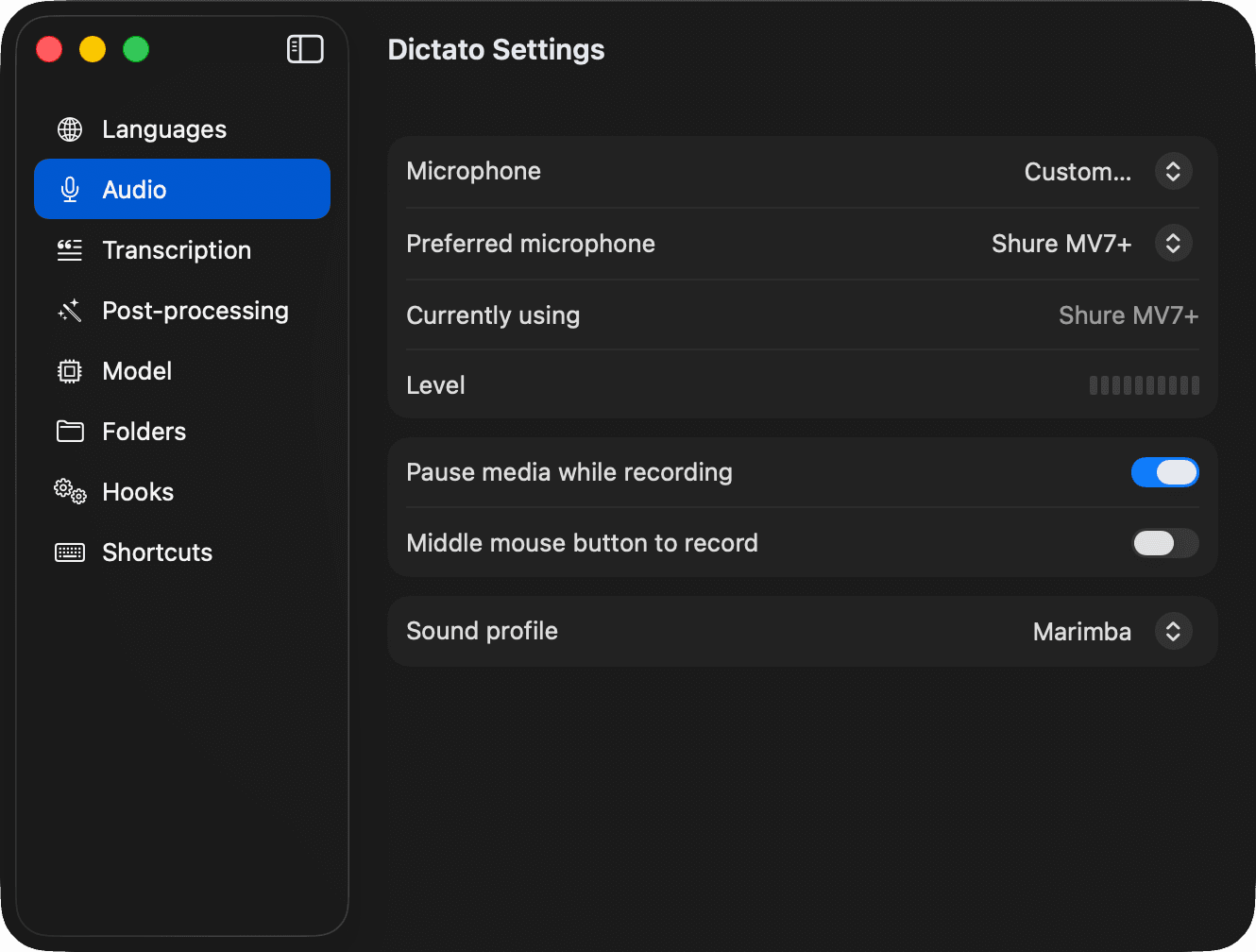
Microphone mode
- Automatic - follows the system default input. Changes when you plug in headphones or a USB mic.
- On-device - always uses the built-in Mac microphone, even if another input is default.
- Custom - always uses a specific mic by UID. If that mic isn't plugged in, Dictato falls back to on-device.
A live level meter shows whatever mic is currently active, so you can verify Dictato is hearing you before you start.
Pause media while recording
On by default. Dictato pauses system media playback (Music, Spotify, Safari video, etc.) when you start dictating and resumes after.
Sound profile
Pick the audible tones Dictato plays when recording starts, stops, and locks. Choose None to go silent.