
Settings
Languages
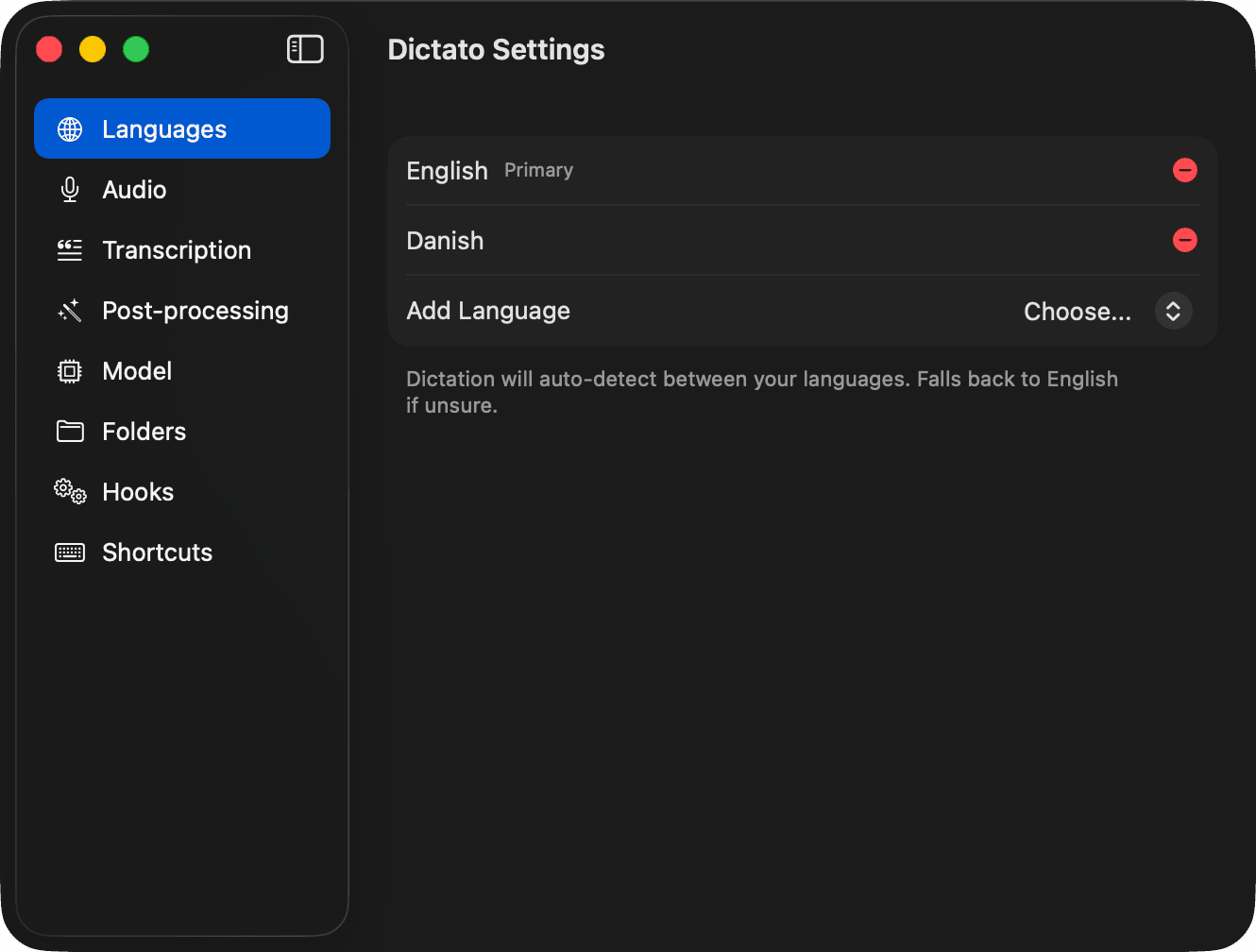
Pick your dictation languages
Dictato auto-detects language on every dictation, but you can narrow it down in Settings → Languages for faster, more accurate results.
How it works
- No languages selected - Dictato auto-detects from every language the model supports.
- One language - all dictation is forced to that language. Best speed and accuracy if you only speak one.
- Two or more - Dictato auto-detects between the languages you've picked. If it can't tell, it falls back to the Primary (the first one in the list).
Add a language from the Add Language picker. Remove with the red minus button.
Tip
If you code-switch between two languages mid-sentence, add both. The primary is the fallback, so pick whichever you use more.
Model support
Language availability depends on your transcription model. Parakeet V3 covers 25 languages; Parakeet V2 is English-only; WhisperKit Medium/Base covers 100+.