
Settings
Folders
Where Dictato stores your transcriptions and config
Dictato writes everything to regular folders on your Mac, with no proprietary database. Settings are in Settings → Folders.
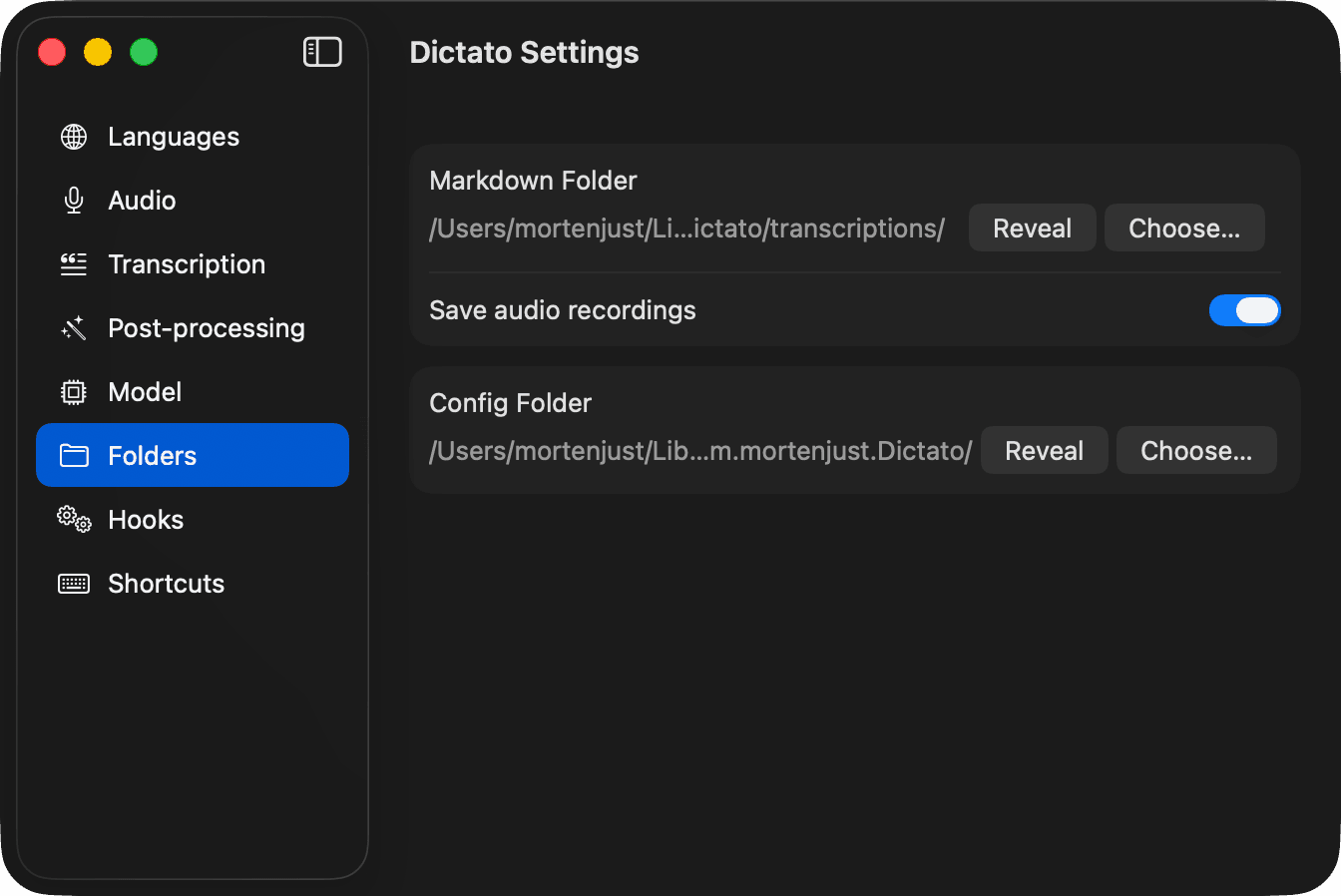
Markdown folder
Each finished dictation is saved as a Markdown file here. Attachments (screenshots, drawings, audio) live in a attachments/ sibling folder. Change the location with Choose… or click Reveal to open it in Finder.
What a dictation file looks like
A single dictation with a screenshot and saved audio ends up as something like this:
---
date: 2026-04-11T14:26:10Z
source_app: Notes
duration: 18.3
language: en
title: Weekly plan for the garden project
audio: attachments/2026-04-11-14-26-10-a1b2c3.m4a
---
# Weekly plan for the garden project
Let's think about the schedule for this week. The back bed is
ready for the new plants, so Saturday morning we can move the
tomatoes in. The front path still needs clearing, and I want
to finish that before we have people over on Sunday.
Also, remember to order more mulch before Friday so it arrives
in time.
[^A]: The filename follows YYYY-MM-DD HH-MM-SS <SourceApp>.md, so dictations sort chronologically in Finder. Point Obsidian or Bear at this folder and your dictations become first-class notes.
Save audio recordings
When on, Dictato keeps the raw audio file (.wav) next to the Markdown transcript. Turn it off in Settings → Audio if you only want text.
Config folder
Home of preferences.json, shortcuts.json, history.json, and your hooks. Every file is plain JSON and hand-editable — see Configuration files for the formats. Relocate the folder if you want to sync your Dictato setup via iCloud, Dropbox, or a dotfiles repo.
Tip
Point Markdown folder at an existing notes vault (Obsidian, Bear, a synced iCloud folder) and every dictation shows up as a regular note, with no import needed.