
Advanced
Hooks
Run shell commands, webhooks, or Claude prompts on Dictato events
Hooks let you react to what Dictato is doing: transform the transcription before it pastes, log events to another tool, block a paste into a specific app, or anything else you can script.
Configure
Create hooks.json in your config folder. Each key is an event name mapping to an array of matcher groups:
{
  "TranscriptionComplete": [
    {
      "matcher": "en",
      "hooks": [
        { "type": "command", "command": "hooks/spellcheck.sh", "timeout": 10 }
      ]
    }
  ]
}Relative command paths resolve from the config folder.
Tip
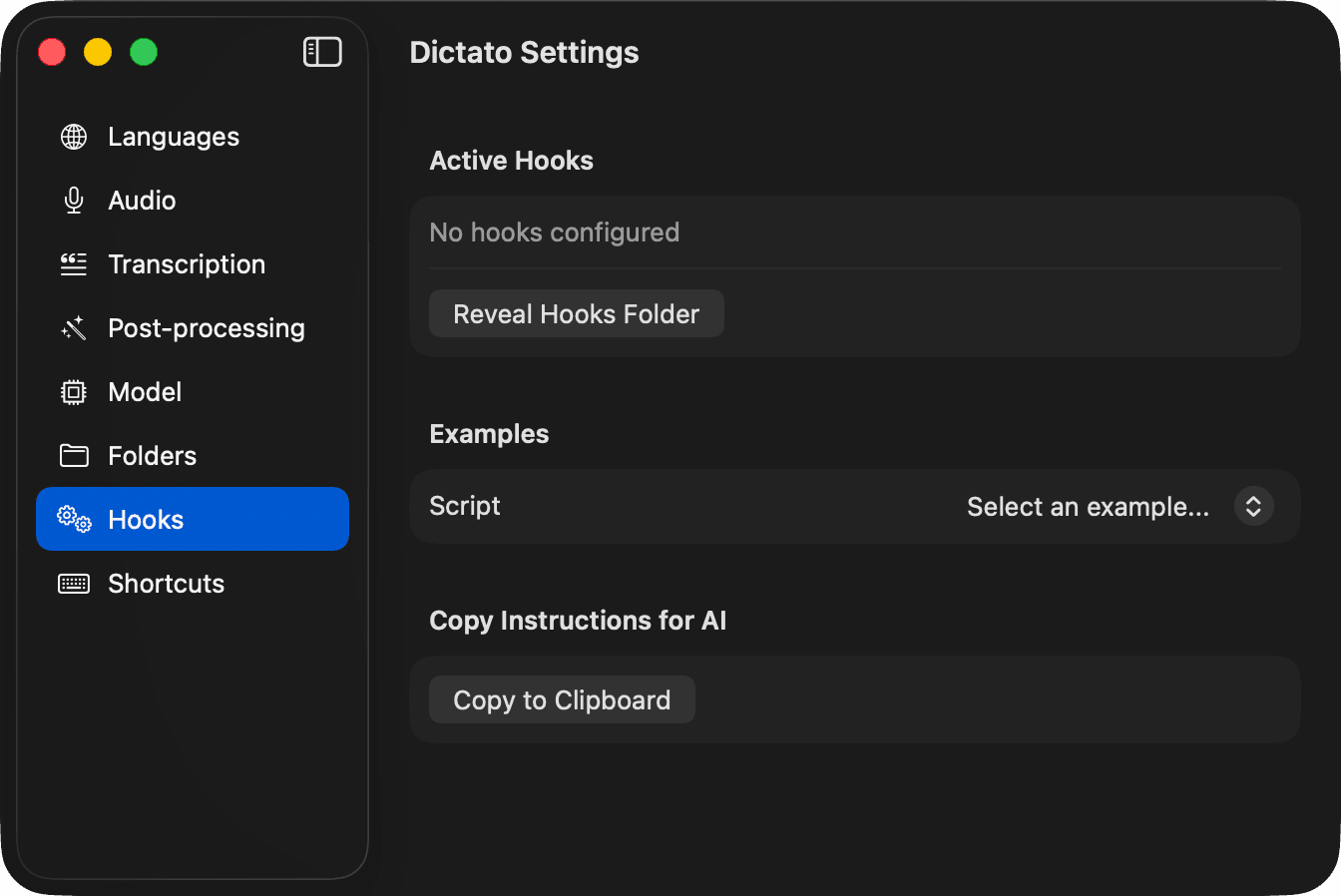
The Hooks settings pane has a Copy Instructions for AI button that copies a full reference (events, payloads, examples) to your clipboard. Paste it into Claude or Cursor and describe the hook you want.
Hook types
command
Runs a shell command. Receives the event JSON on stdin. Optionally writes replacement JSON to stdout.
{ "type": "command", "command": "hooks/my-script.sh", "timeout": 10 }prompt
Sends the event payload plus your prompt to the Claude API (reuses the key from Post-processing). The model's response becomes the new text.
{ "type": "prompt", "prompt": "Fix spelling and grammar. Return only the corrected text.", "timeout": 30 }webhook
HTTP POST with the JSON payload as the body.
- 200 - success; if the response is
{"text": "..."}it replaces the current text - 204 - success, no changes
- 422 - block the operation (for blockable events)
- other - logged as error
{ "type": "webhook", "url": "https://example.com/hooks/dictato", "timeout": 15 }Events
| Event | Matcher field | Can block? | Payload |
|---|---|---|---|
SessionStart | - | - | - |
RecordingStart | sourceApp | yes | sourceApp, sourceAppBundleId |
RecordingLocked | - | - | duration |
RecordingStop | - | - | duration, sampleCount |
ScreenshotCaptured | sourceApp | - | label, timestamp, sourceApp |
QuoteCaptured | sourceApp | - | label, text, sourceApp, sourceWindow, timestamp |
TranscriptionStart | model | - | engine, model, languages |
TranscriptionComplete | language | yes | text, language, duration |
BeforePaste | targetApp | yes | text, targetApp, targetAppBundleId, hasAttachments |
AfterPaste | targetApp | - | text, targetApp |
Protocol
- Input (
command) - JSON on stdin withevent, payload keys, andconfigFolder - Input (
webhook) - HTTP POST with the same JSON as body - Input (
prompt) - payload is sent as context alongside your prompt to Claude - Output - JSON with
{"text": "..."}replaces the current text. No output means no change. - Exit codes (
command) -0success,2block (blockable events only), anything else is an error - Hooks with matching events run in parallel.
Browse examples
The Examples picker in the Hooks settings pane shows ready-to-copy scripts living in your config folder. Use them as a starting point and edit in place.